Dottt icon-pack
Icon sets
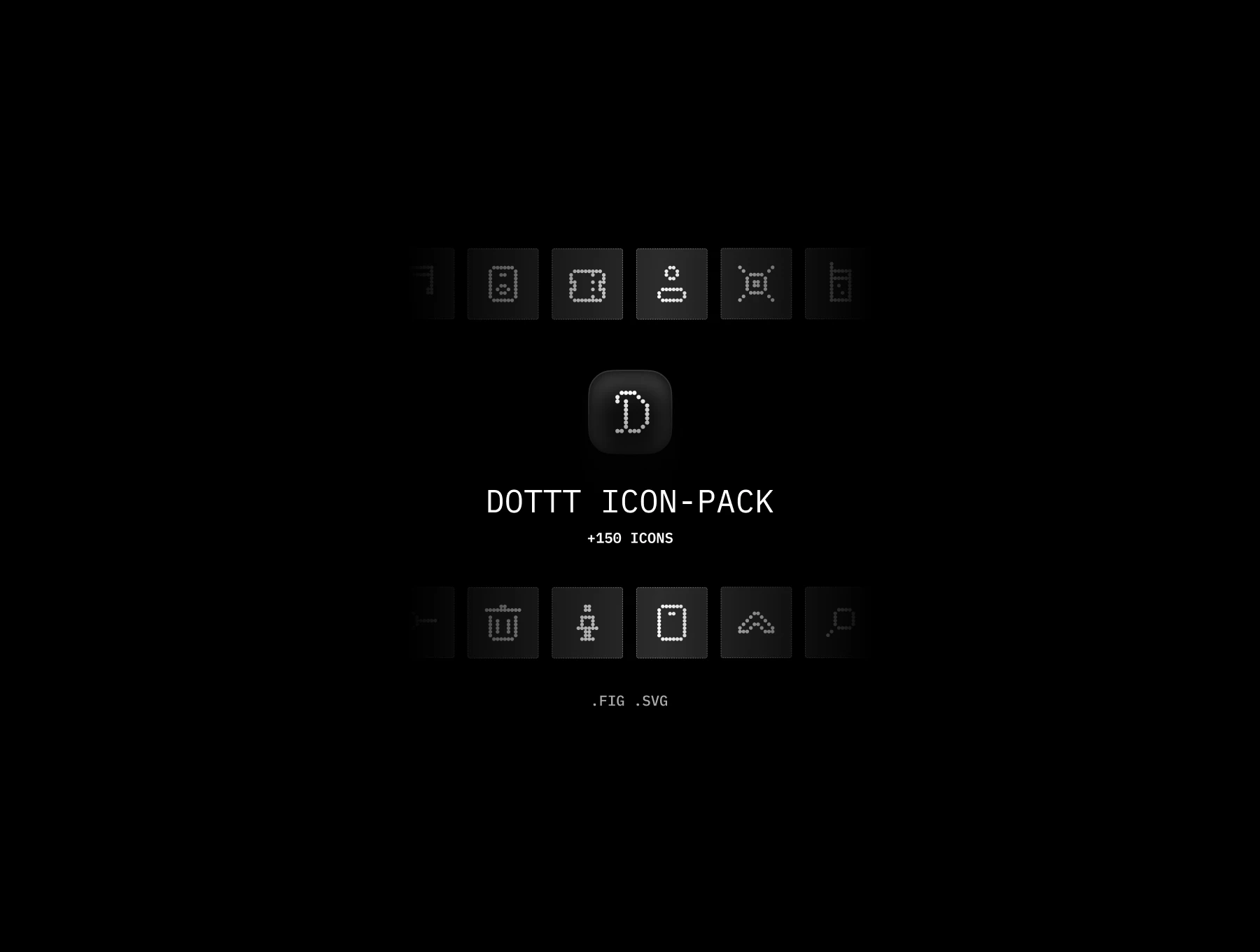
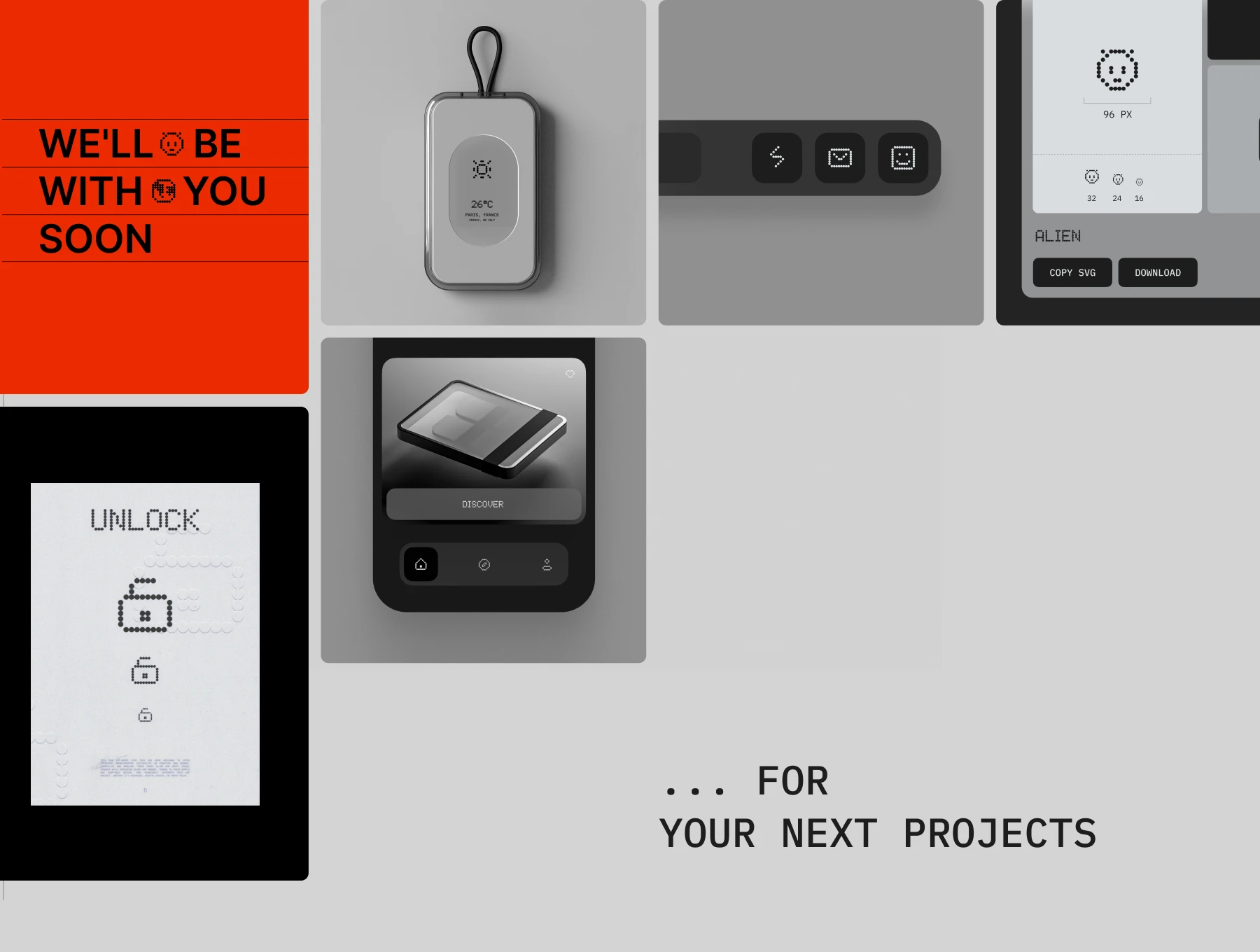
This isn’t just an icon pack; it’s an invitation to hack your interfaces, to lay creative foundations on grids that are invisible yet essential. Minimalist, modular, and open. Each dot, designed like a building block, carries an idea, a potential. Use it to scale your projects or to express the detail within simplicity. Form follows function, but here, form sparks ideas.
Platform
Figma
Creator

James Takeda
Price
26$
Features & Details:
Multiple formats included
Each icon is exported in SVG, PNG, and PDF formats, giving you full flexibility across design tools, platforms, and web use. All files are optimized and ready to drop into your workflow.
Multiple formats included
Each icon is exported in SVG, PNG, and PDF formats, giving you full flexibility across design tools, platforms, and web use. All files are optimized and ready to drop into your workflow.
Multiple formats included
Each icon is exported in SVG, PNG, and PDF formats, giving you full flexibility across design tools, platforms, and web use. All files are optimized and ready to drop into your workflow.
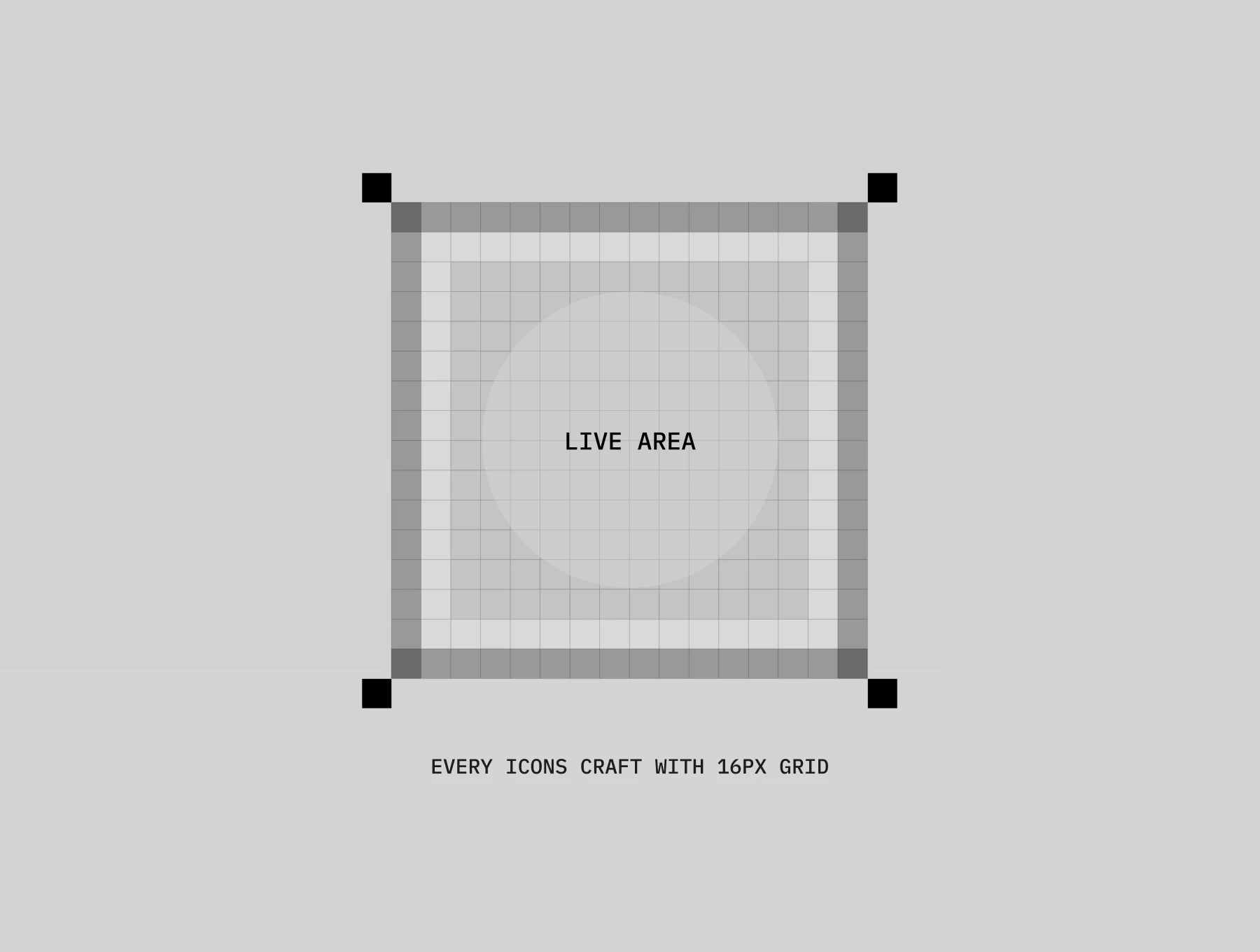
Pixel-perfect grid
Designed on a consistent grid (e.g. 24×24 or 32×32 px), every icon is sharp, balanced, and clean — ensuring perfect visual alignment in any interface.
Pixel-perfect grid
Designed on a consistent grid (e.g. 24×24 or 32×32 px), every icon is sharp, balanced, and clean — ensuring perfect visual alignment in any interface.
Pixel-perfect grid
Designed on a consistent grid (e.g. 24×24 or 32×32 px), every icon is sharp, balanced, and clean — ensuring perfect visual alignment in any interface.
Customizable strokes & fills
Edit stroke width, color, or shape directly in Figma, Illustrator, or any vector editor. You can match the icons to any brand or style with just a few clicks.
Customizable strokes & fills
Edit stroke width, color, or shape directly in Figma, Illustrator, or any vector editor. You can match the icons to any brand or style with just a few clicks.
Customizable strokes & fills
Edit stroke width, color, or shape directly in Figma, Illustrator, or any vector editor. You can match the icons to any brand or style with just a few clicks.
Organized by category
All icons are grouped by category and properly named for fast browsing, easy import, and efficient asset management — no digging through random files.
Organized by category
All icons are grouped by category and properly named for fast browsing, easy import, and efficient asset management — no digging through random files.
Organized by category
All icons are grouped by category and properly named for fast browsing, easy import, and efficient asset management — no digging through random files.
Light & dark versions
Includes both line and solid versions, optimized for use on light or dark backgrounds. Perfect for building modern UIs with flexibility in theme.
Light & dark versions
Includes both line and solid versions, optimized for use on light or dark backgrounds. Perfect for building modern UIs with flexibility in theme.
Light & dark versions
Includes both line and solid versions, optimized for use on light or dark backgrounds. Perfect for building modern UIs with flexibility in theme.
Commercial license included
Icons come with a commercial license — so you can safely use them in client work, apps, SaaS products, websites, social media, and more.
Commercial license included
Icons come with a commercial license — so you can safely use them in client work, apps, SaaS products, websites, social media, and more.
Commercial license included
Icons come with a commercial license — so you can safely use them in client work, apps, SaaS products, websites, social media, and more.
FAQ
(Q® — 02)
©2025
FAQ
Got questions? We’ve got answers.
Here’s everything you need to know about working with us.
What do I get after purchase?
You’ll instantly get access to downloadable files (ZIP or direct links), including everything you need — templates, icons, mockups, or fonts depending on the product you purchased.
How do I use the Framer templates?
You’ll receive a link to duplicate the Framer project to your own account. No code is needed — just customize, publish, and go live.
Are these assets suitable for commercial projects?
Yes! All our products come with a commercial license, so you can use them in both personal and client projects. Just don’t resell or redistribute them.
Can I edit the templates, icons, or mockups?
Absolutely. All assets are fully editable — Framer templates can be customized inside Framer, icons come in vector formats, and mockups are provided in organized PSD files (or other supported formats).
How do I install the fonts?
Download the font files and install them on your system by double-clicking or dropping them into your system’s Fonts folder. Installation instructions are included if needed.
How will I receive the files?
You’ll get an instant download link right after checkout. We’ll also send it to your email for convenience.
What if I didn’t receive my download link?
Check your spam folder first. If it’s not there, contact us via email and we’ll resend it right away.
Can I get a refund?
Since these are digital products, all sales are final. However, if you have any issue with the file or didn’t receive it, contact us — we’ll help.
Will I get product updates?
Yes. If we update a product you've purchased, we’ll email you with a new download link so you always have the latest version.
Can I use your assets in multiple projects?
Yes, you can use them in unlimited personal or commercial projects, as long as you don’t resell or redistribute the original files.
Do you offer team or agency licenses?
Yes, we offer extended licenses for teams and agencies. Reach out to us if you need a custom license.
What should I do if I have technical issues?
Feel free to contact us. We’re happy to help with installation, file access, or any product-related questions.
FAQ
(Q® — 02)
©2025
FAQ
Got questions? We’ve got answers.
Here’s everything you need to know about working with us.
What do I get after purchase?
You’ll instantly get access to downloadable files (ZIP or direct links), including everything you need — templates, icons, mockups, or fonts depending on the product you purchased.
How do I use the Framer templates?
You’ll receive a link to duplicate the Framer project to your own account. No code is needed — just customize, publish, and go live.
Are these assets suitable for commercial projects?
Yes! All our products come with a commercial license, so you can use them in both personal and client projects. Just don’t resell or redistribute them.
Can I edit the templates, icons, or mockups?
Absolutely. All assets are fully editable — Framer templates can be customized inside Framer, icons come in vector formats, and mockups are provided in organized PSD files (or other supported formats).
How do I install the fonts?
Download the font files and install them on your system by double-clicking or dropping them into your system’s Fonts folder. Installation instructions are included if needed.
How will I receive the files?
You’ll get an instant download link right after checkout. We’ll also send it to your email for convenience.
FAQ
(Q® — 02)
©2025
FAQ
Got questions? We’ve got answers.
Here’s everything you need to know about working with us.
What do I get after purchase?
You’ll instantly get access to downloadable files (ZIP or direct links), including everything you need — templates, icons, mockups, or fonts depending on the product you purchased.
How do I use the Framer templates?
You’ll receive a link to duplicate the Framer project to your own account. No code is needed — just customize, publish, and go live.
Are these assets suitable for commercial projects?
Yes! All our products come with a commercial license, so you can use them in both personal and client projects. Just don’t resell or redistribute them.
Can I edit the templates, icons, or mockups?
Absolutely. All assets are fully editable — Framer templates can be customized inside Framer, icons come in vector formats, and mockups are provided in organized PSD files (or other supported formats).
How do I install the fonts?
Download the font files and install them on your system by double-clicking or dropping them into your system’s Fonts folder. Installation instructions are included if needed.
How will I receive the files?
You’ll get an instant download link right after checkout. We’ll also send it to your email for convenience.