Vertical Subway Poster
Mockups
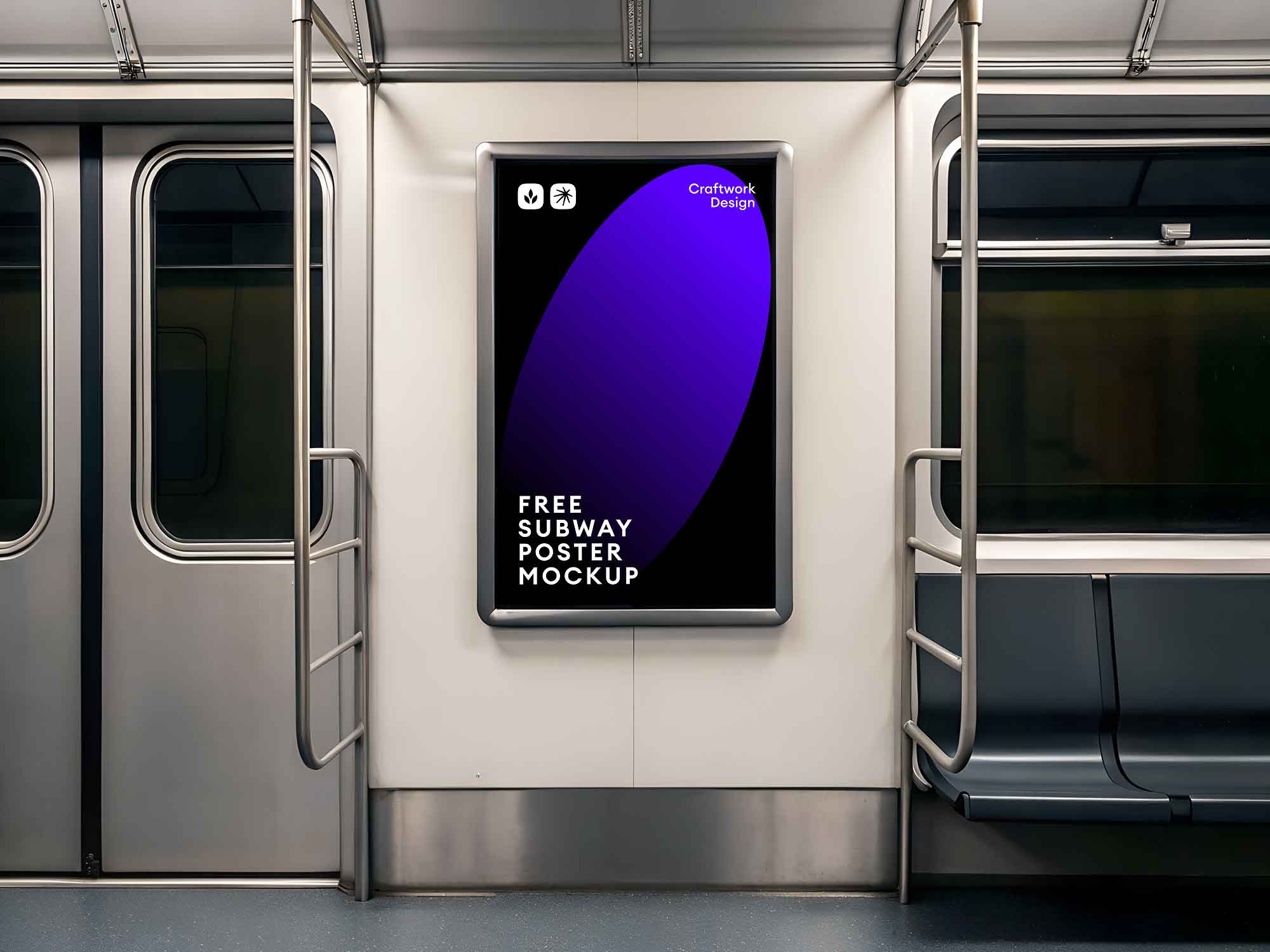
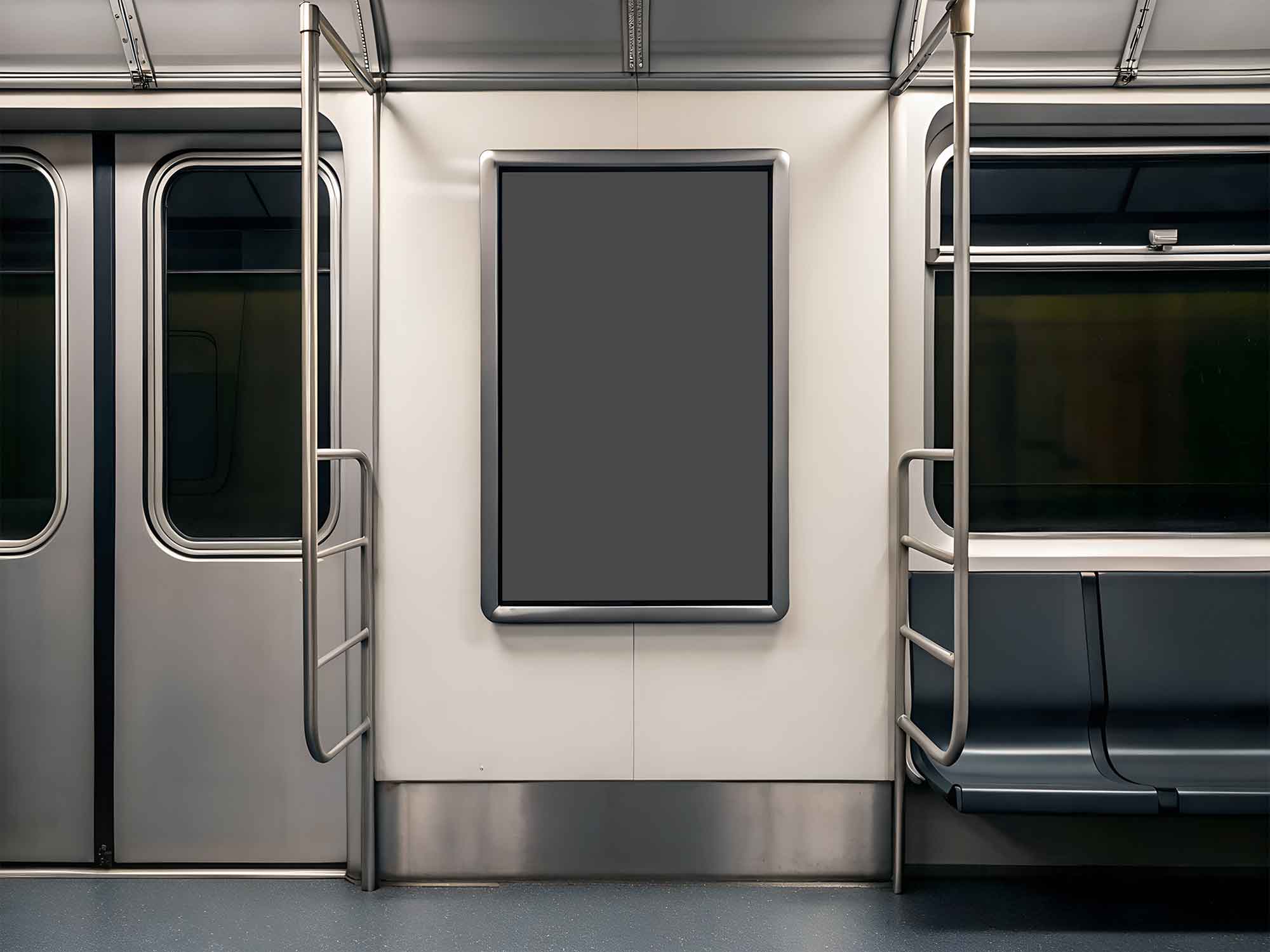
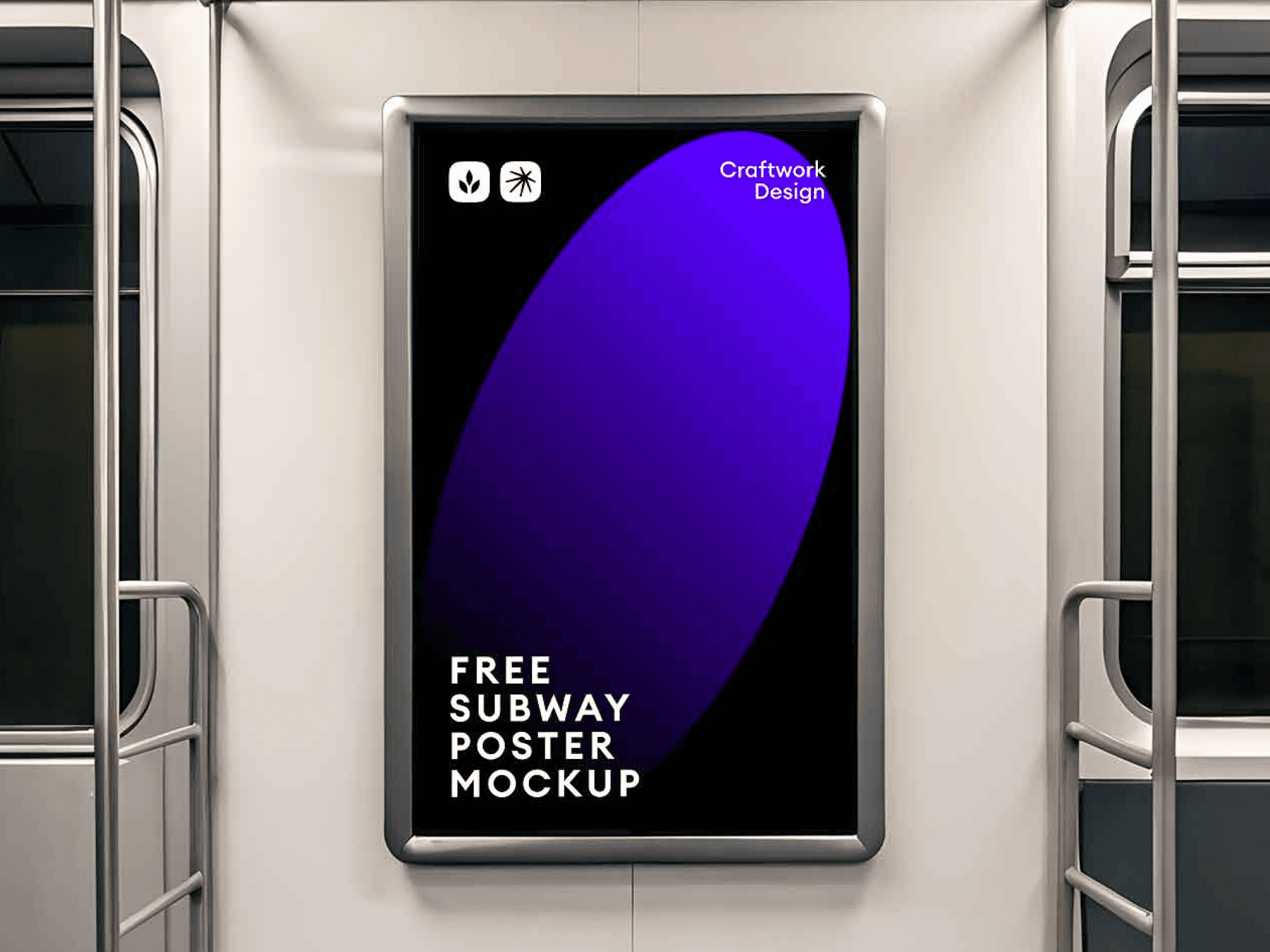
Free vertical subway poster mockup which places your design in a metro interior, adding context and realism in visualizing and showcasing your design. The template is great for showcasing announcements, cultural events, or branded campaigns in a public, high-traffic setting. Organized and easy to use layers allow for easy customization in less time. The mockup is compatible with Figma, which makes the editing process seamless and easy.
Platform
PSD
Creator

Sofia Nguyen
Price
10$
Features & Details:
High-resolution PSDs
All mockups come in high resolution (300 DPI), perfect for print, web, and retina displays.
High-resolution PSDs
All mockups come in high resolution (300 DPI), perfect for print, web, and retina displays.
High-resolution PSDs
All mockups come in high resolution (300 DPI), perfect for print, web, and retina displays.
Easy image replacement
Smart Object layers let you insert your design in seconds — just double-click, paste, and save.
Easy image replacement
Smart Object layers let you insert your design in seconds — just double-click, paste, and save.
Easy image replacement
Smart Object layers let you insert your design in seconds — just double-click, paste, and save.
Realistic lighting & shadows
Each scene is crafted with carefully balanced light, shadow, and depth for a natural, premium look.
Realistic lighting & shadows
Each scene is crafted with carefully balanced light, shadow, and depth for a natural, premium look.
Realistic lighting & shadows
Each scene is crafted with carefully balanced light, shadow, and depth for a natural, premium look.
Fully layered & organized
All elements are grouped and labeled in a clean layer structure, so you can customize everything easily.
Fully layered & organized
All elements are grouped and labeled in a clean layer structure, so you can customize everything easily.
Fully layered & organized
All elements are grouped and labeled in a clean layer structure, so you can customize everything easily.
Editable backgrounds
Most scenes include separate background layers — change colors, textures, or blur effects as needed.
Editable backgrounds
Most scenes include separate background layers — change colors, textures, or blur effects as needed.
Editable backgrounds
Most scenes include separate background layers — change colors, textures, or blur effects as needed.
Multiple angles & scenes
Includes a variety of compositions, camera angles, and setups to showcase your design from its best side.
Multiple angles & scenes
Includes a variety of compositions, camera angles, and setups to showcase your design from its best side.
Multiple angles & scenes
Includes a variety of compositions, camera angles, and setups to showcase your design from its best side.
FAQ
(Q® — 02)
©2025
FAQ
Got questions? We’ve got answers.
Here’s everything you need to know about working with us.
What do I get after purchase?
You’ll instantly get access to downloadable files (ZIP or direct links), including everything you need — templates, icons, mockups, or fonts depending on the product you purchased.
How do I use the Framer templates?
You’ll receive a link to duplicate the Framer project to your own account. No code is needed — just customize, publish, and go live.
Are these assets suitable for commercial projects?
Yes! All our products come with a commercial license, so you can use them in both personal and client projects. Just don’t resell or redistribute them.
Can I edit the templates, icons, or mockups?
Absolutely. All assets are fully editable — Framer templates can be customized inside Framer, icons come in vector formats, and mockups are provided in organized PSD files (or other supported formats).
How do I install the fonts?
Download the font files and install them on your system by double-clicking or dropping them into your system’s Fonts folder. Installation instructions are included if needed.
How will I receive the files?
You’ll get an instant download link right after checkout. We’ll also send it to your email for convenience.
What if I didn’t receive my download link?
Check your spam folder first. If it’s not there, contact us via email and we’ll resend it right away.
Can I get a refund?
Since these are digital products, all sales are final. However, if you have any issue with the file or didn’t receive it, contact us — we’ll help.
Will I get product updates?
Yes. If we update a product you've purchased, we’ll email you with a new download link so you always have the latest version.
Can I use your assets in multiple projects?
Yes, you can use them in unlimited personal or commercial projects, as long as you don’t resell or redistribute the original files.
Do you offer team or agency licenses?
Yes, we offer extended licenses for teams and agencies. Reach out to us if you need a custom license.
What should I do if I have technical issues?
Feel free to contact us. We’re happy to help with installation, file access, or any product-related questions.
FAQ
(Q® — 02)
©2025
FAQ
Got questions? We’ve got answers.
Here’s everything you need to know about working with us.
What do I get after purchase?
You’ll instantly get access to downloadable files (ZIP or direct links), including everything you need — templates, icons, mockups, or fonts depending on the product you purchased.
How do I use the Framer templates?
You’ll receive a link to duplicate the Framer project to your own account. No code is needed — just customize, publish, and go live.
Are these assets suitable for commercial projects?
Yes! All our products come with a commercial license, so you can use them in both personal and client projects. Just don’t resell or redistribute them.
Can I edit the templates, icons, or mockups?
Absolutely. All assets are fully editable — Framer templates can be customized inside Framer, icons come in vector formats, and mockups are provided in organized PSD files (or other supported formats).
How do I install the fonts?
Download the font files and install them on your system by double-clicking or dropping them into your system’s Fonts folder. Installation instructions are included if needed.
How will I receive the files?
You’ll get an instant download link right after checkout. We’ll also send it to your email for convenience.
FAQ
(Q® — 02)
©2025
FAQ
Got questions? We’ve got answers.
Here’s everything you need to know about working with us.
What do I get after purchase?
You’ll instantly get access to downloadable files (ZIP or direct links), including everything you need — templates, icons, mockups, or fonts depending on the product you purchased.
How do I use the Framer templates?
You’ll receive a link to duplicate the Framer project to your own account. No code is needed — just customize, publish, and go live.
Are these assets suitable for commercial projects?
Yes! All our products come with a commercial license, so you can use them in both personal and client projects. Just don’t resell or redistribute them.
Can I edit the templates, icons, or mockups?
Absolutely. All assets are fully editable — Framer templates can be customized inside Framer, icons come in vector formats, and mockups are provided in organized PSD files (or other supported formats).
How do I install the fonts?
Download the font files and install them on your system by double-clicking or dropping them into your system’s Fonts folder. Installation instructions are included if needed.
How will I receive the files?
You’ll get an instant download link right after checkout. We’ll also send it to your email for convenience.